
AI Style Generator for Embedded Wall of Love
Style a Wall of Love embed from a prompt, image, or website URL.
Use AI Style Generator to style a Wall of Love embed from a text prompt, an image, or a website URL — without setting colors and fonts by hand.
 Watch on YouTube
You can:
Enter a text prompt (for example, “modern, minimal, tech-inspired”)
Upload an image such as a brand logo or product photo
Paste your website URL so the style can match the site
You can also pick a pre-generated theme, or save an AI-generated style as a reusable theme.
Generate a style
Open the Space. In the sidebar, click Wall of Love.

In the Wall of Love manager, select an existing embed or create a new one.
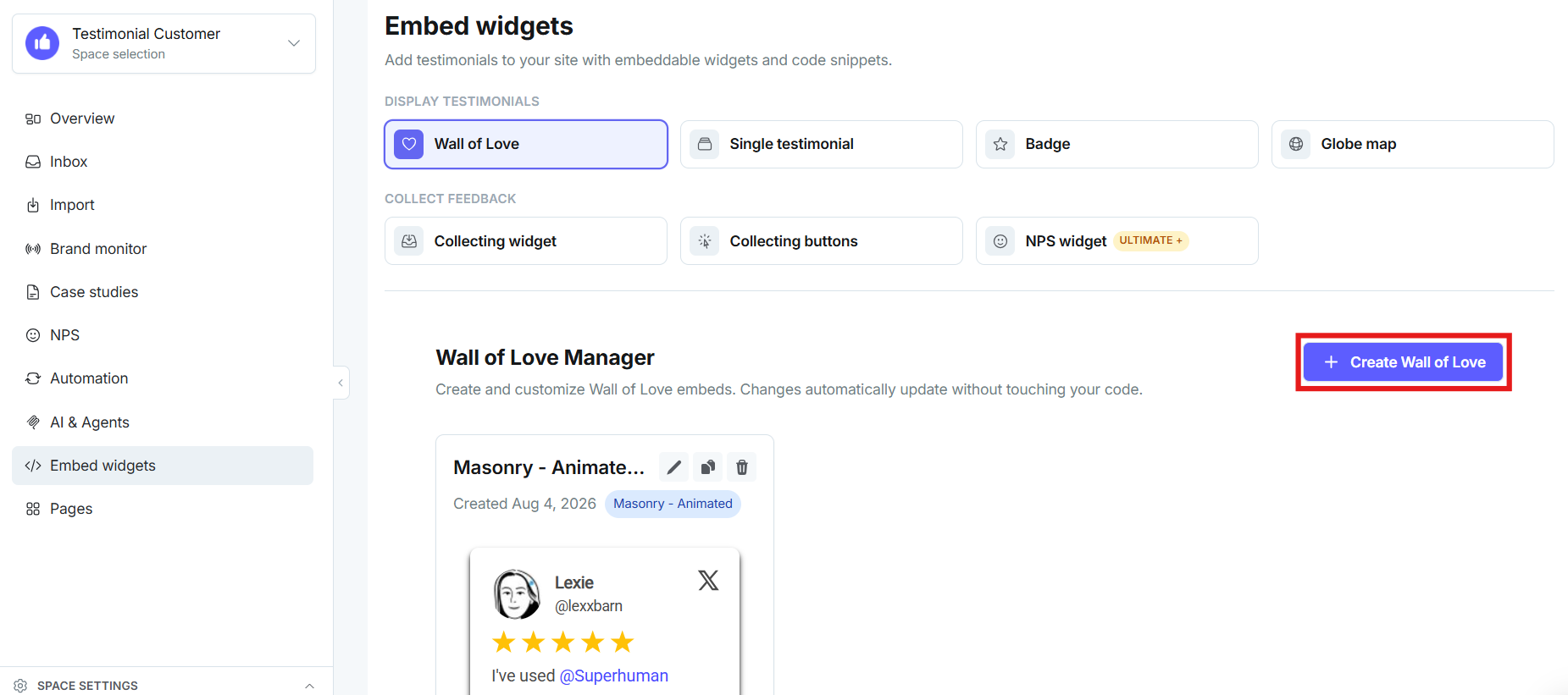
Click AI Style Generator. Enter a prompt, upload an image, or paste your website URL.

Review the generated layout. Click Save before you copy the embed code.
Save the result as a reusable theme if you want to apply it again later without regenerating.
Walkthrough
 Watch on YouTube
See also AI features with Testimonial.
Need help? Click Talk to us to open the support chat. If the chat doesn't load, email support@testimonial.to.