
Linking your Gmail account
Link a Gmail account from Settings → Sign-in Methods.
Link a Gmail account from Settings → Sign-in Methods. Use this if you created the account with email and want Gmail as another sign-in method.
Link Gmail
Go to account settings and choose Sign-in Methods in the left sidebar.
If the account is not yet linked, click here to sign in.
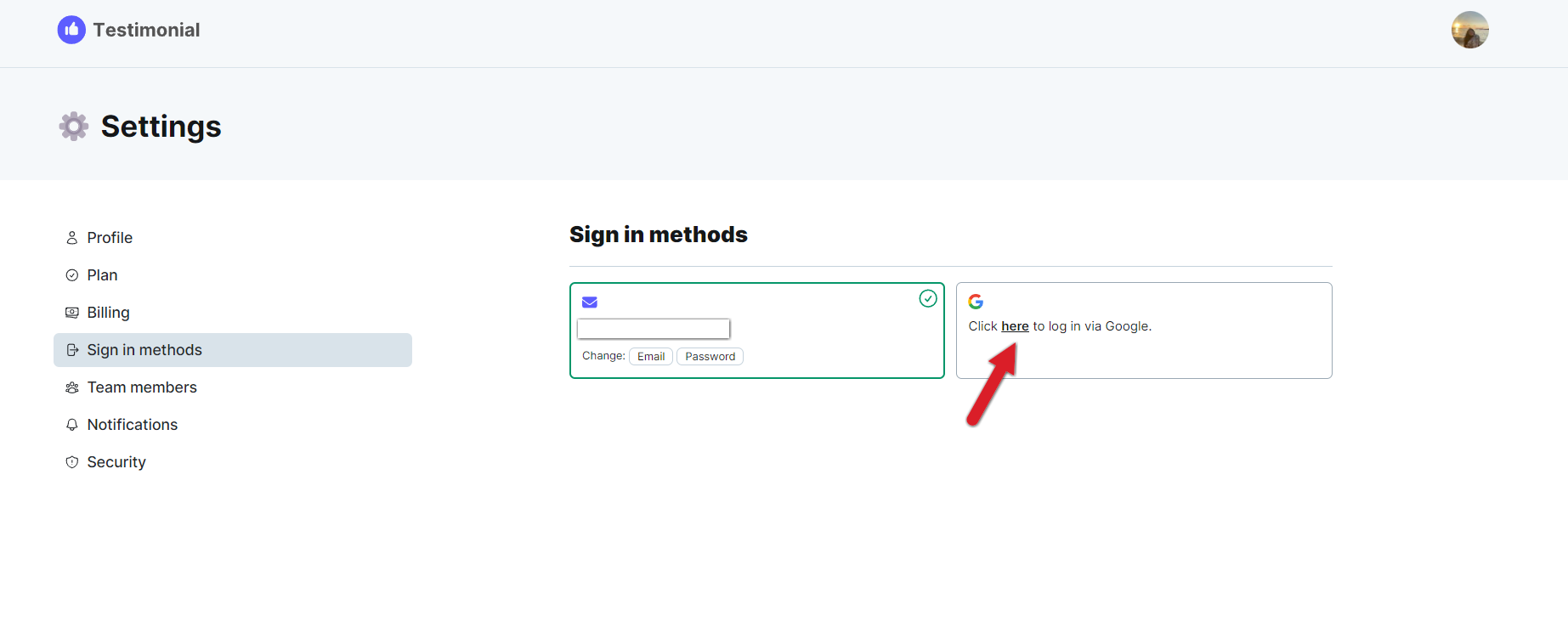
In the pop-up, choose the Gmail account you want to link.
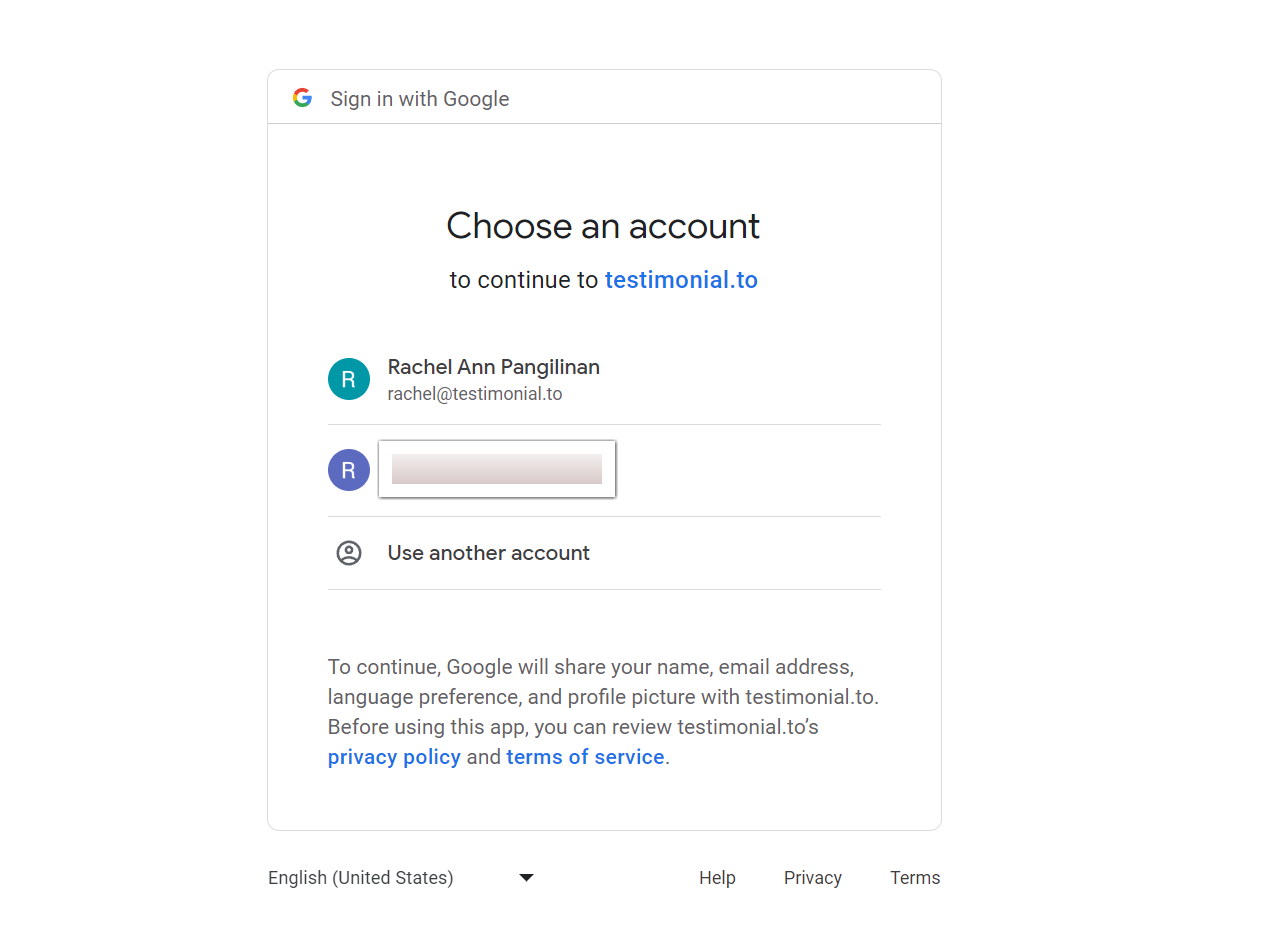
After you select it, you will see a message that it is linked.

Related: How to change your account email
Need help? Click Talk to us to open the support chat. If the chat doesn't load, email support@testimonial.to.