
How to customize the border
Set border color, thickness, visibility, and radius on Wall of Love cards.
Customize the border on testimonial cards on your Wall of Love. You can set color, thickness, visibility, and radius.
Video
 Watch on YouTube
Change the border
Open the Space from your dashboard.
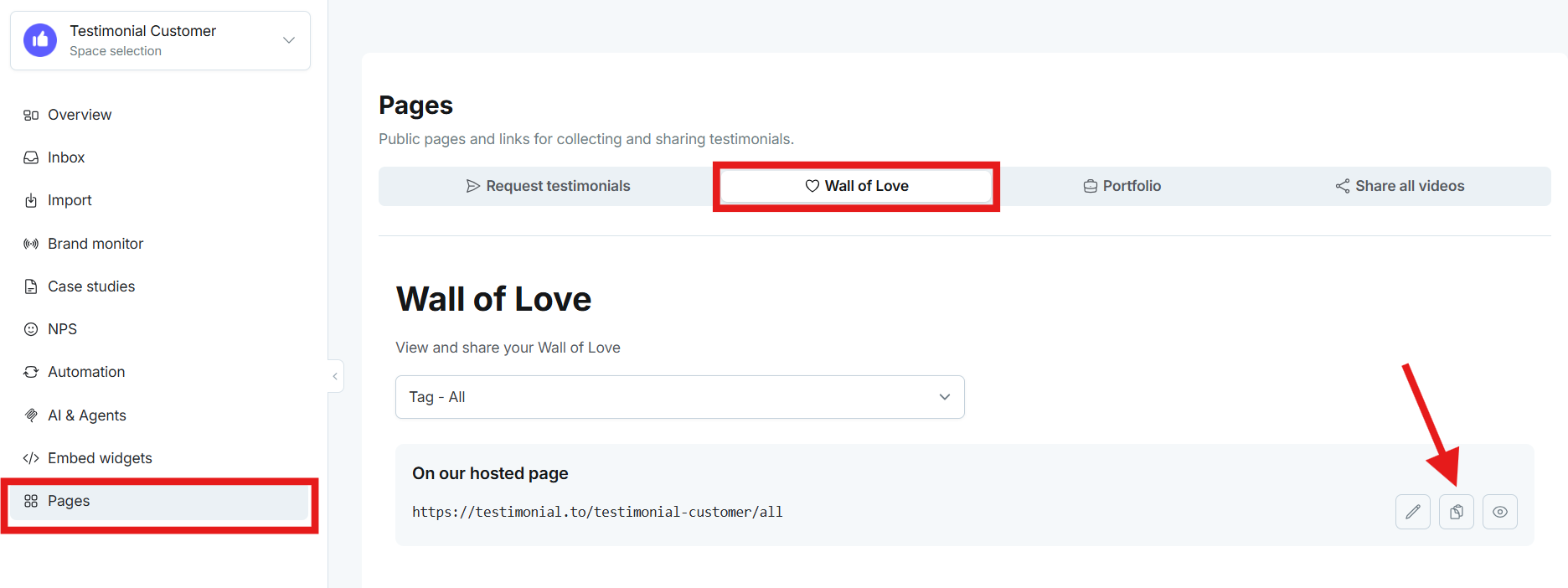
In the left sidebar, go to Pages → Wall of Love. Click the copy icon and paste the link in a new browser window.
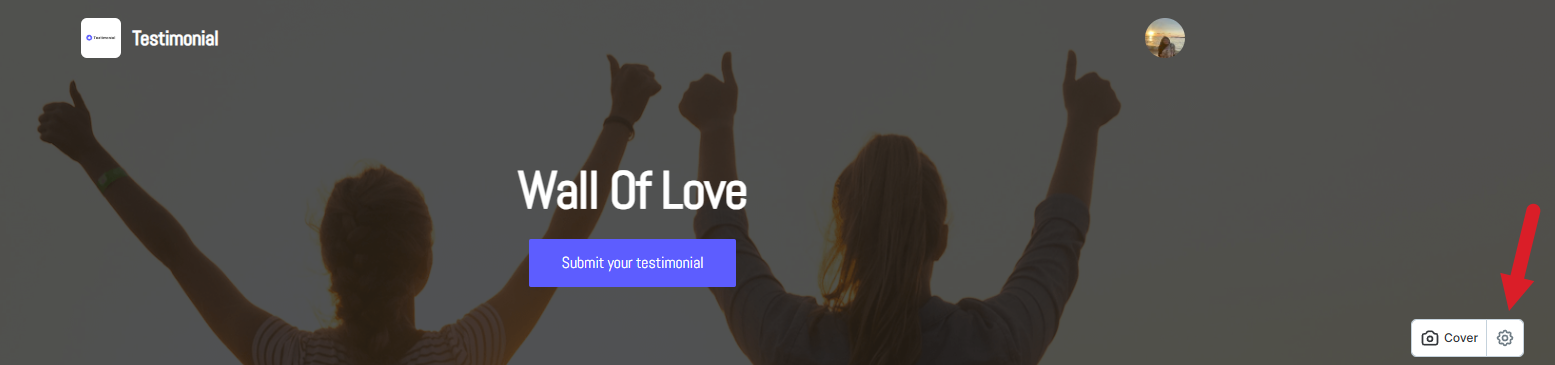
Click the settings icon on the right.
Open Advanced, then Border.
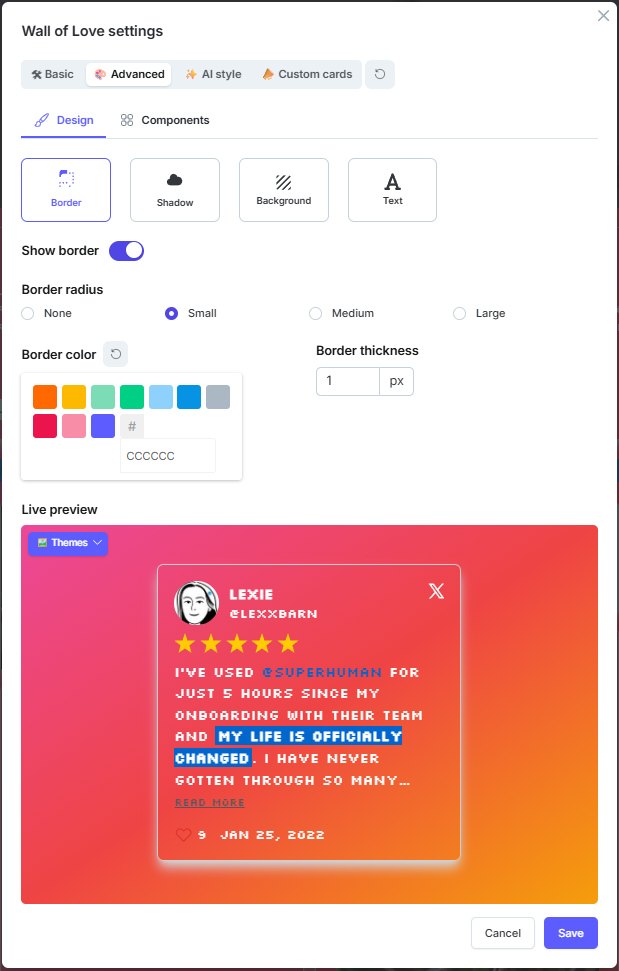
Border options
Border color
Border thickness
Show border: on or off
Border radius: none, small, medium, or large
See more Wall of Love customization.
Need help? Click Talk to us to open the support chat. If the chat doesn't load, email support@testimonial.to.