
Import from Google Reviews
Import Google reviews into a Space. Search with the business name and location.
Import Google reviews into a Space from Import. Search with the business name and location, then add the reviews you want.
Import Google reviews
Open the Space and click Import in the left sidebar.
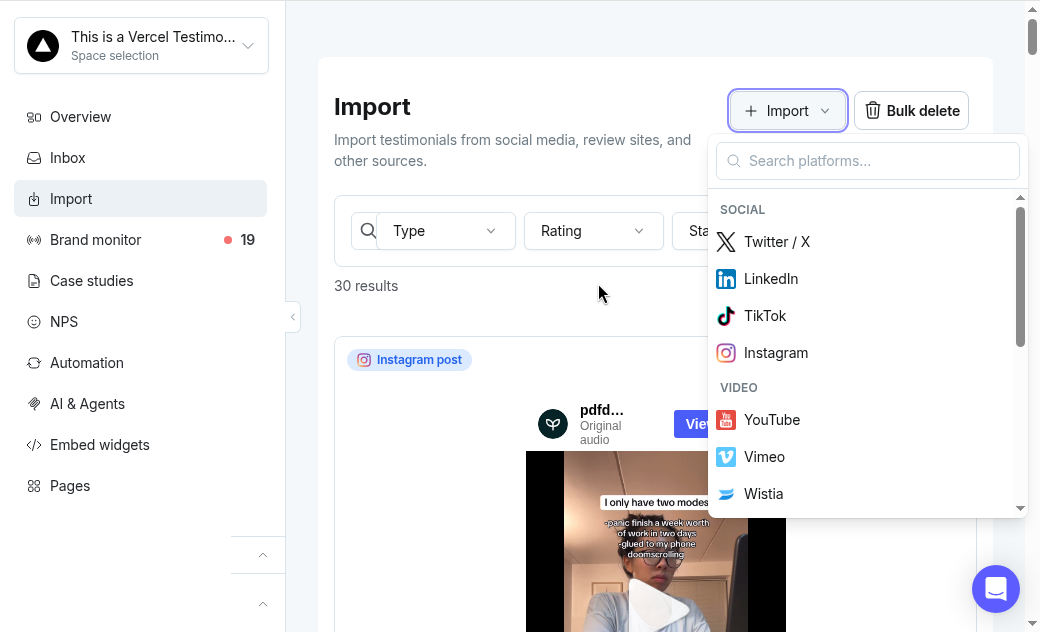
Click + Import, then choose Google Reviews.
Search with the business name plus location, for example Northwind Books in Portland. The more specific, the better.
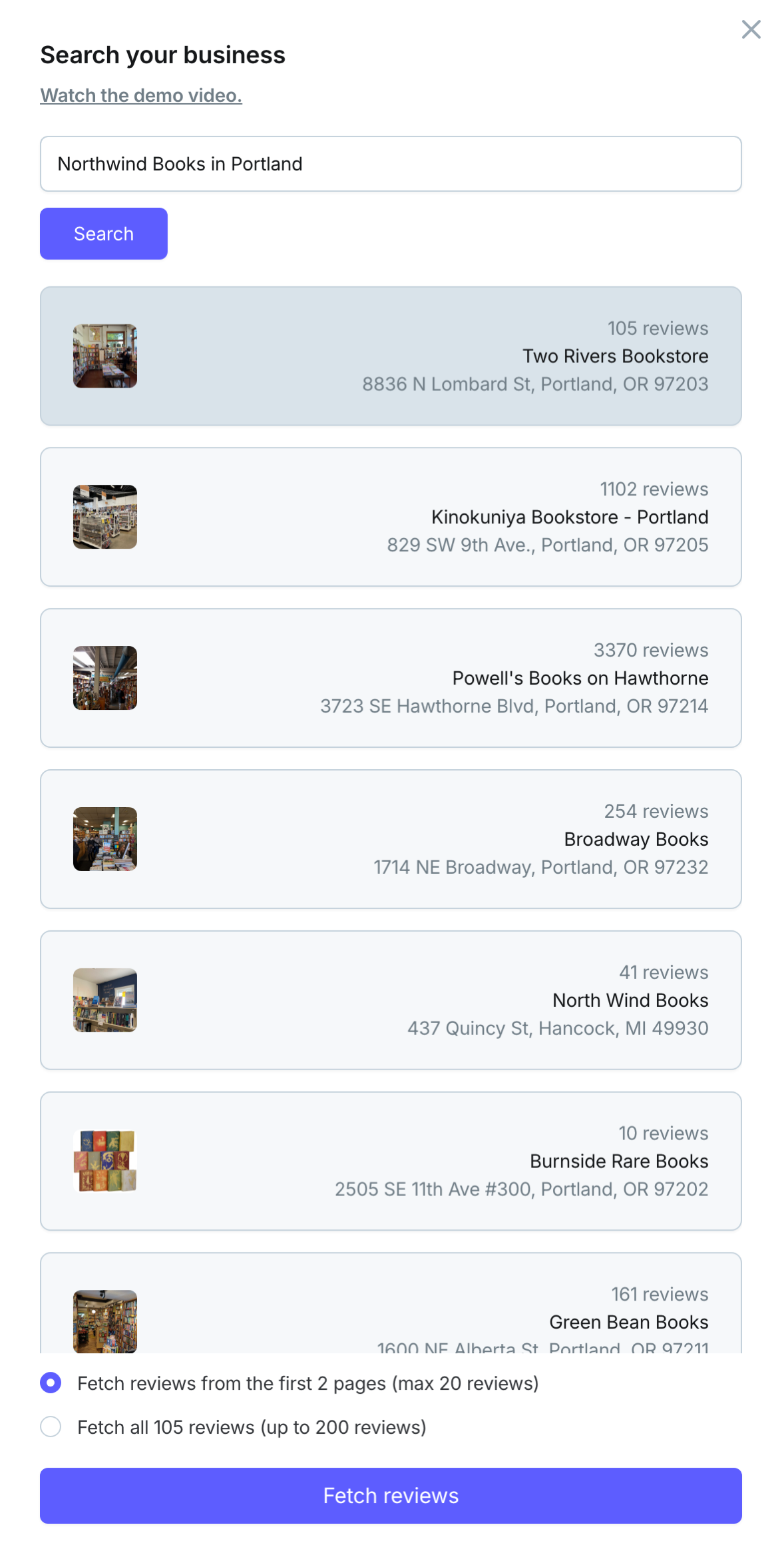
Select the reviews you want and add them.
Imported reviews keep the date they were written. When you sort your Wall of Love with Order by → Newest first or Oldest first, they are placed by that review date, alongside your other testimonials.
A longer walkthrough is on YouTube:
 Watch on YouTube
Need help? Click Talk to us to open the support chat. If the chat doesn't load, email support@testimonial.to.