
Import from SoundCloud
Import a SoundCloud track into a Space from Import by pasting the track URL.
Import a SoundCloud track into a Space from Import. Paste the track URL and add it.
Demo
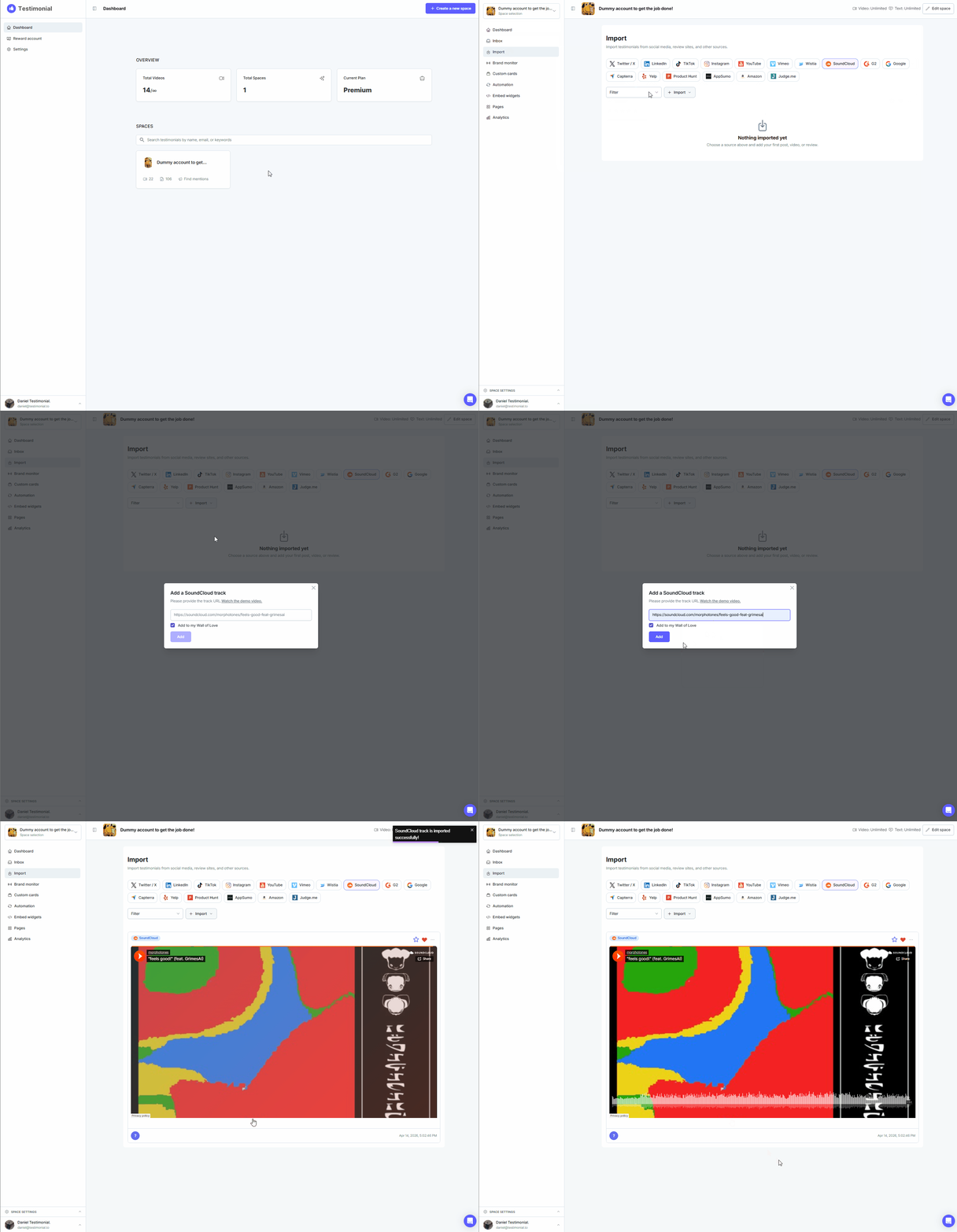
Import from SoundCloud
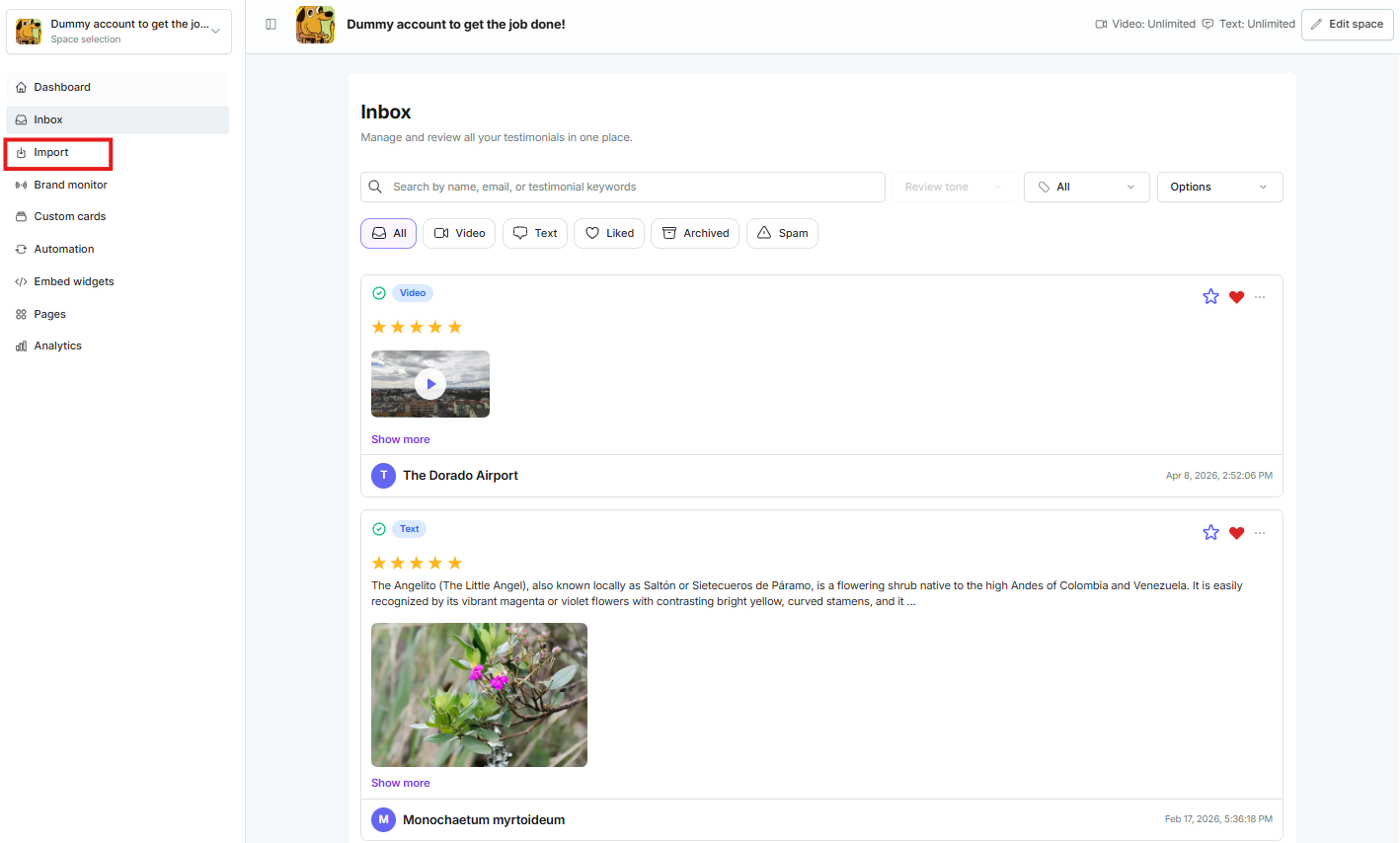
Open the Space and click Import.
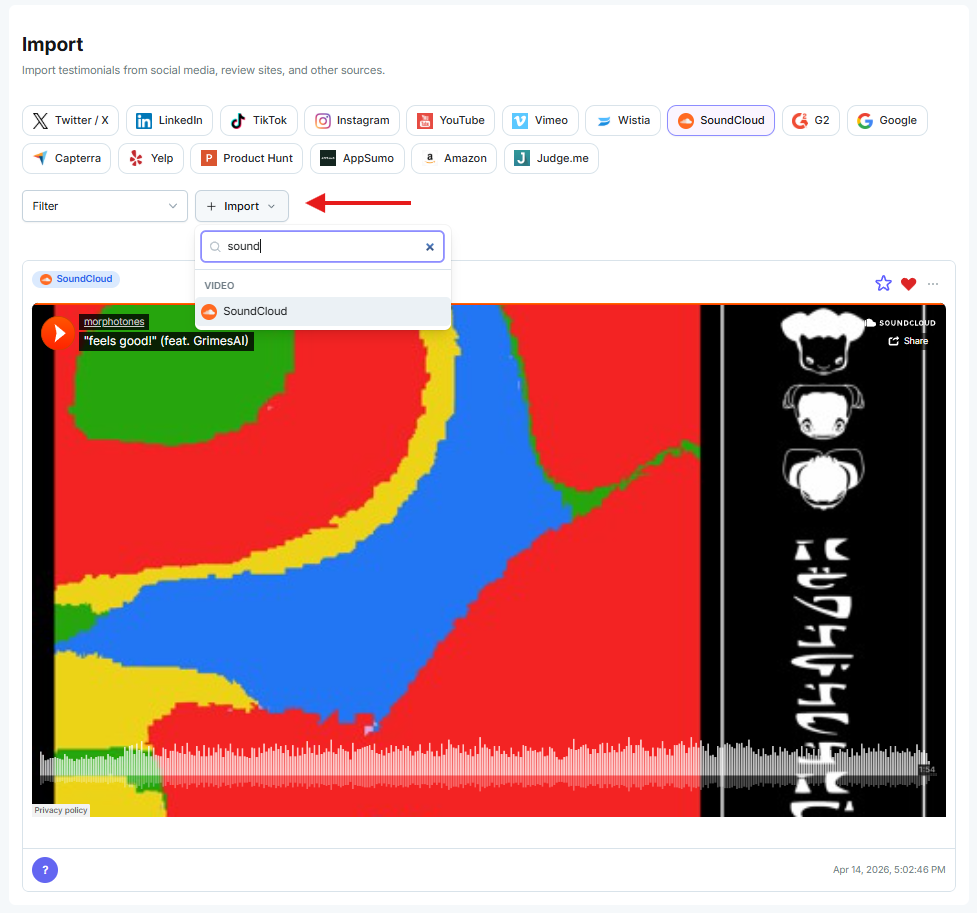
Click the + Import icon. Type the platform name, SoundCloud.
Copy the SoundCloud track URL.

Paste the URL into the import pop-up and click Add.

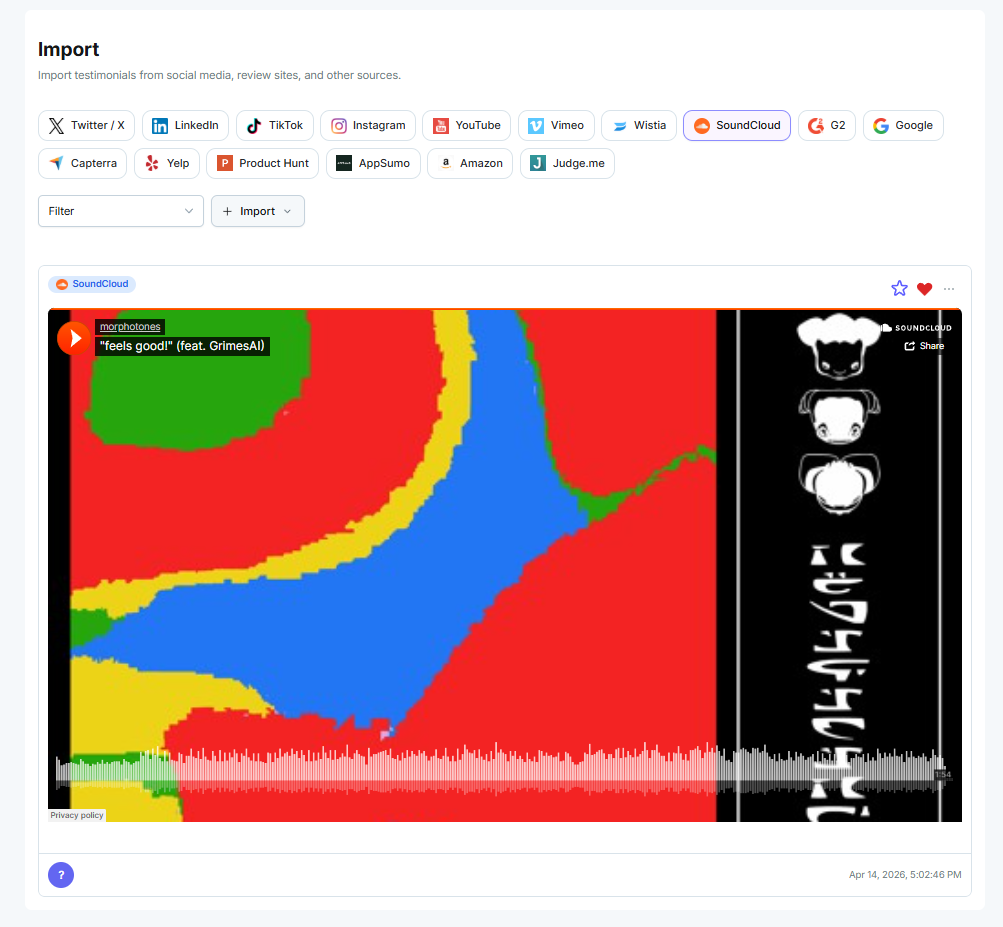
The SoundCloud track is now in your Space.
Need help? Click Talk to us to open the support chat. If the chat doesn't load, email support@testimonial.to.