
Change the duration for a video testimonial
Set the maximum length of a video testimonial in Extra Settings.
Set the maximum length of a video testimonial in Extra Settings. The limit depends on your plan.
Change the max duration
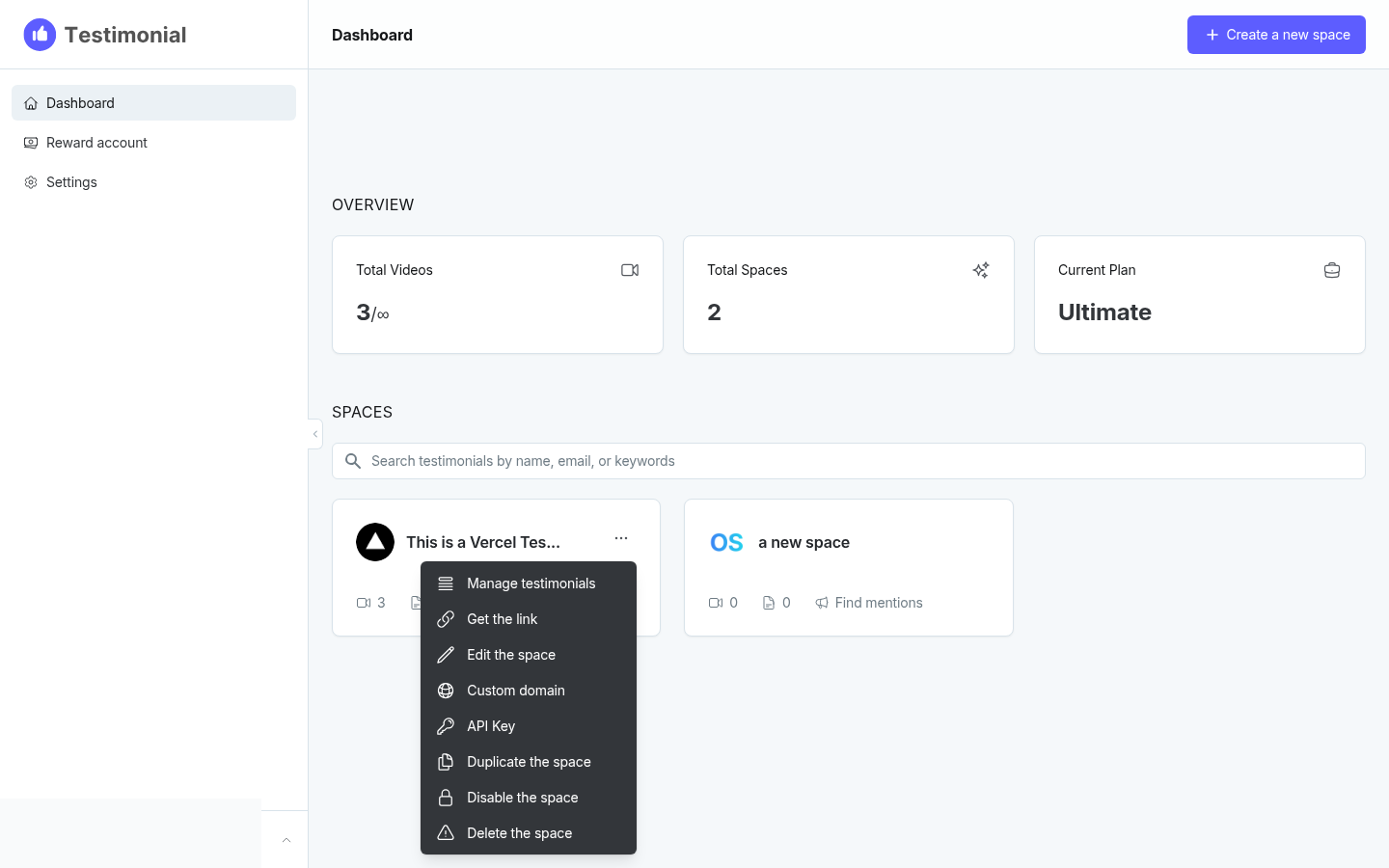
On the dashboard, click the 3-dot icon on the Space card and select Edit the space.
In the space editor, click Extra Settings.
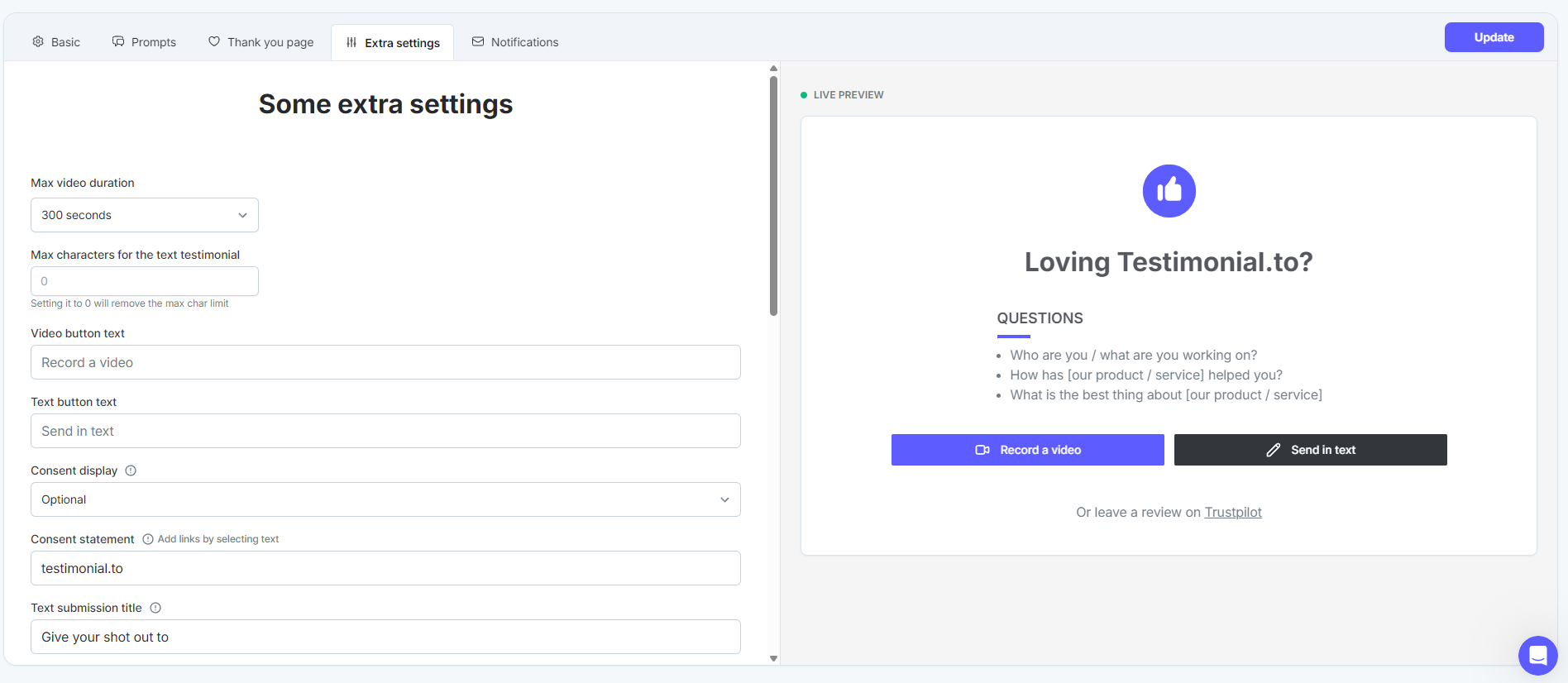
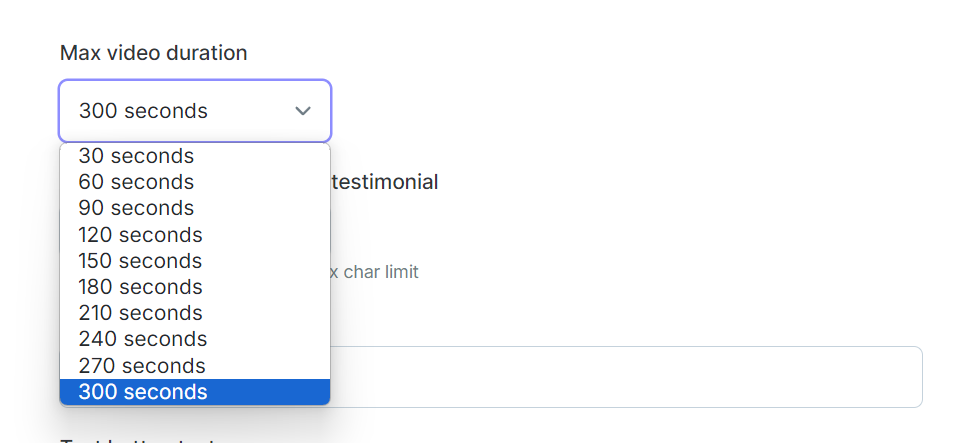
Set Max video duration.
Free and Starter: 120 seconds (2 minutes)
Ultimate and Ultimate+: 300 seconds (5 minutes)
Click Update to save.
See All-in-one: Extra settings for your space.
Need help? Click Talk to us to open the support chat. If the chat doesn't load, email support@testimonial.to.