
Download the user’s profile picture
Download the avatar from a text testimonial.
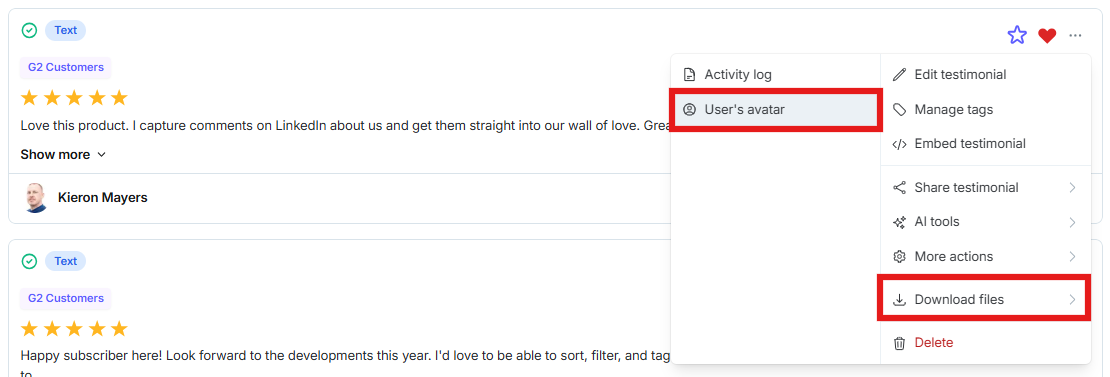
Download the avatar from a text testimonial. Open the three-dot menu, then choose Download → Download User's Avatar.
Download the avatar
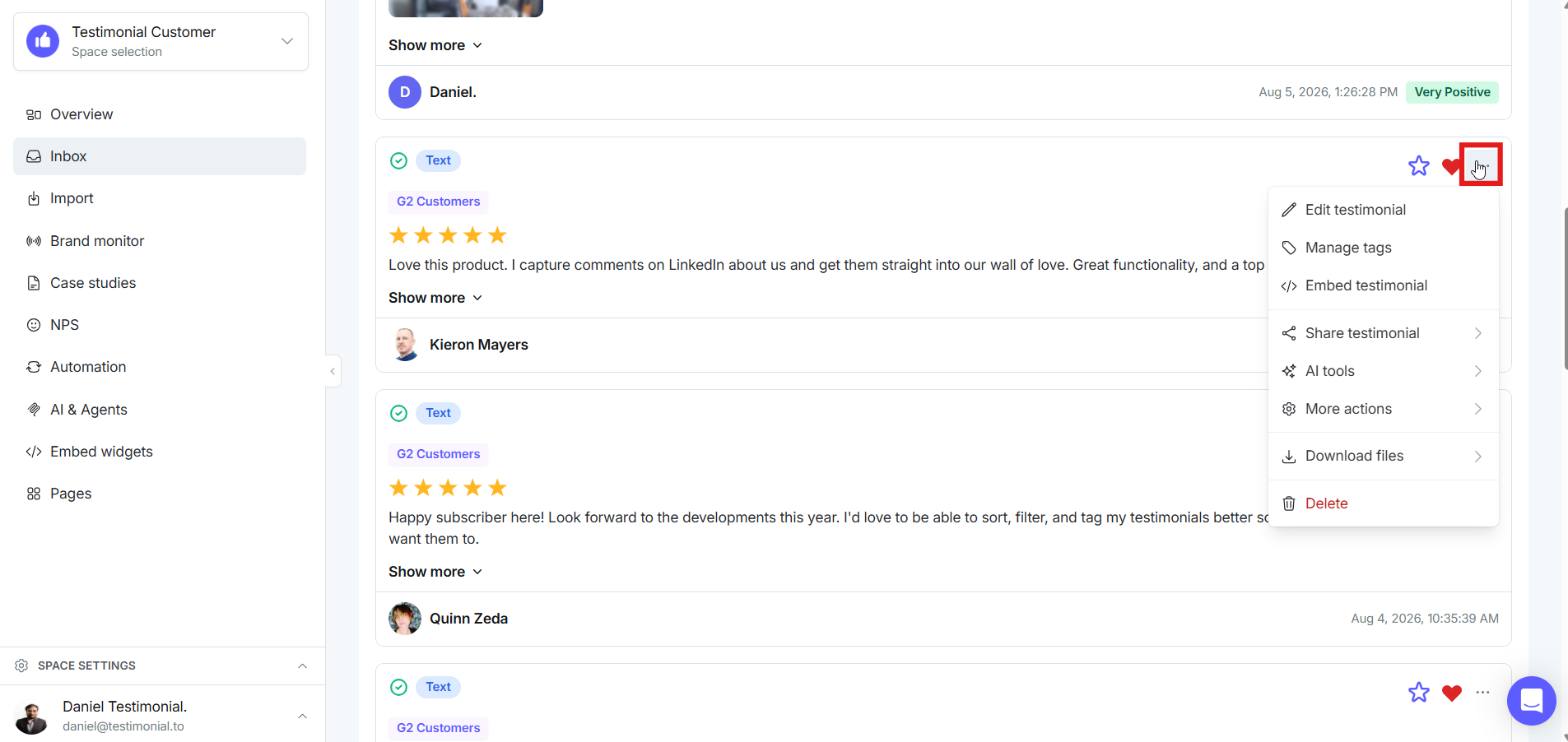
Click the three-dot icon on the testimonial.
Click Download, then click Download User's Avatar.
Need help? Click Talk to us to open the support chat. If the chat doesn't load, email support@testimonial.to.