
Download testimonial log
Download an activity log that includes permission, timestamp, and testimonial details.
Download an activity log for a testimonial so you can show that it came from a real person.
The log includes:
Customer permission
The timestamp
The testimonial details
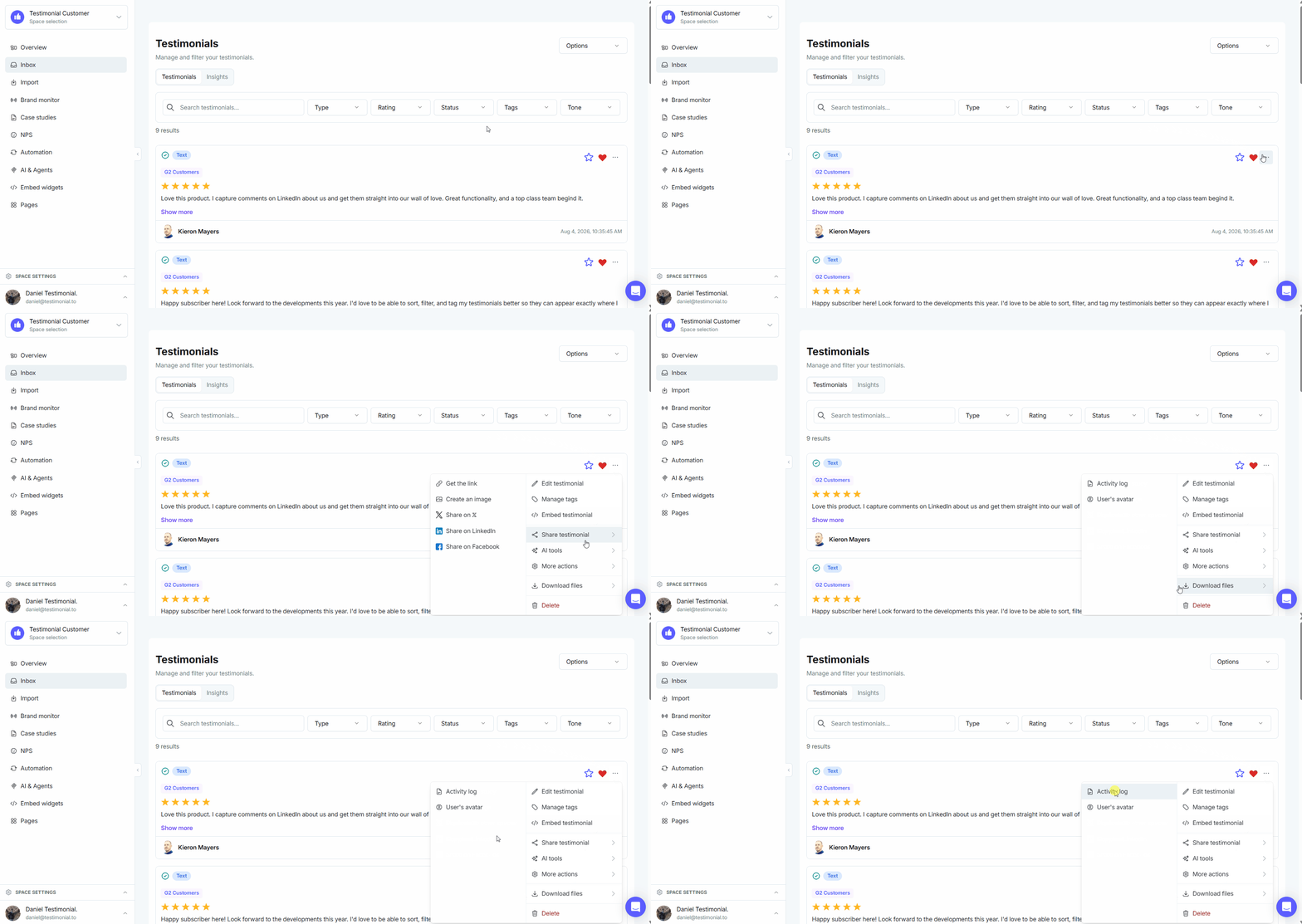
Download the log
Open the Space.
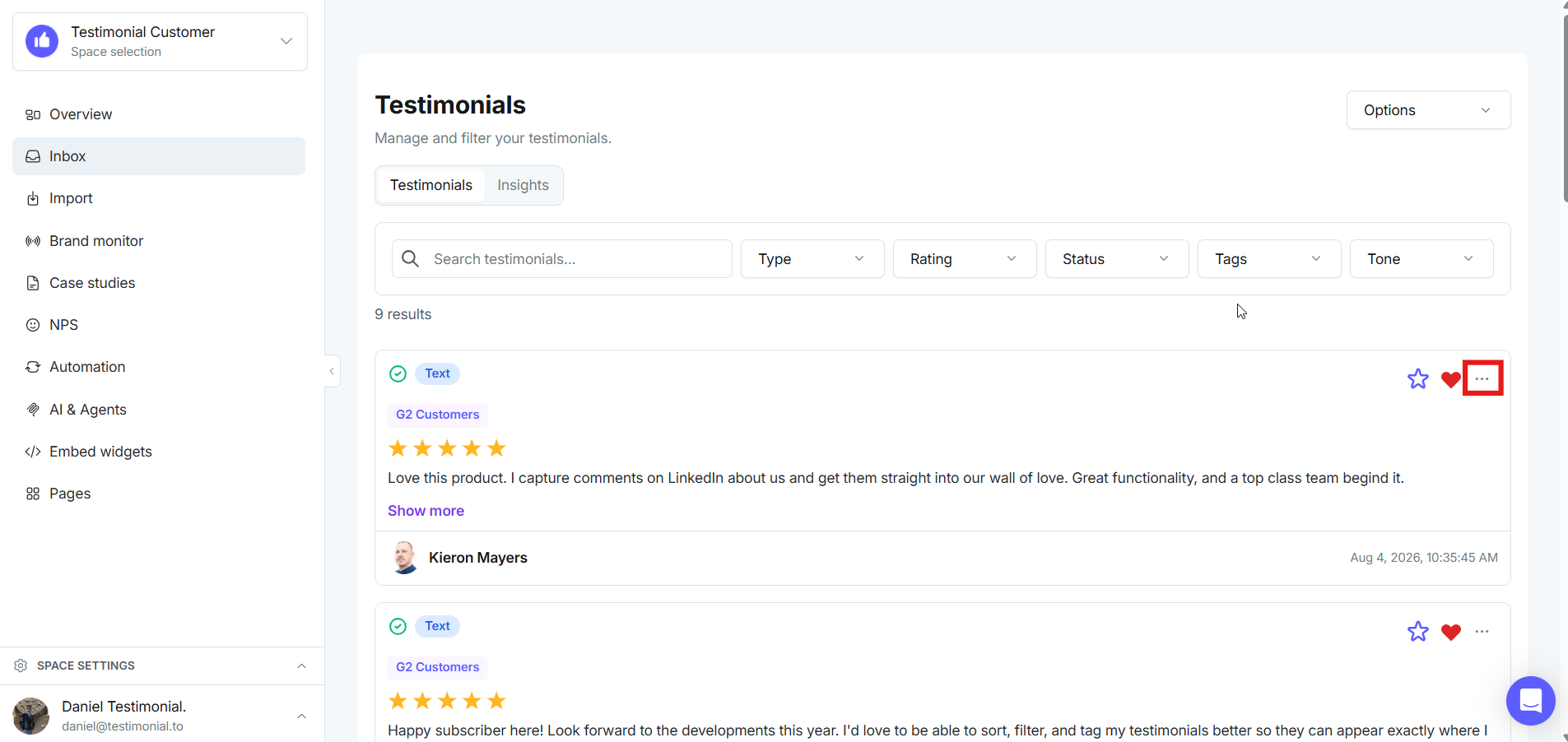
Click the 3 dots icon on the testimonial.
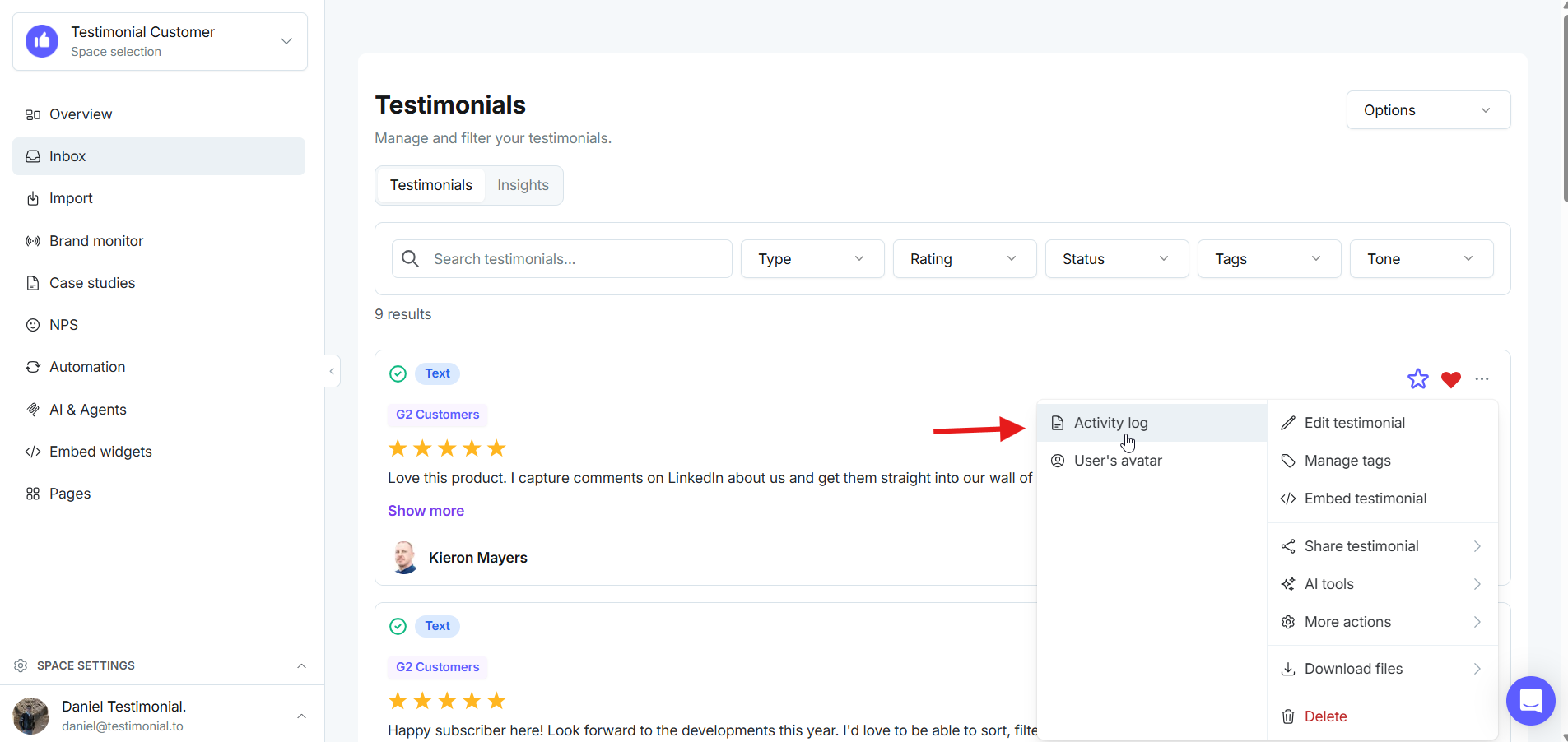
Click Download, then select Activity Log.
Need help? Click Talk to us to open the support chat. If the chat doesn't load, email support@testimonial.to.