
Use Two-Factor Authentication to protect your account.
Turn on SMS two-factor authentication from Settings → Security.
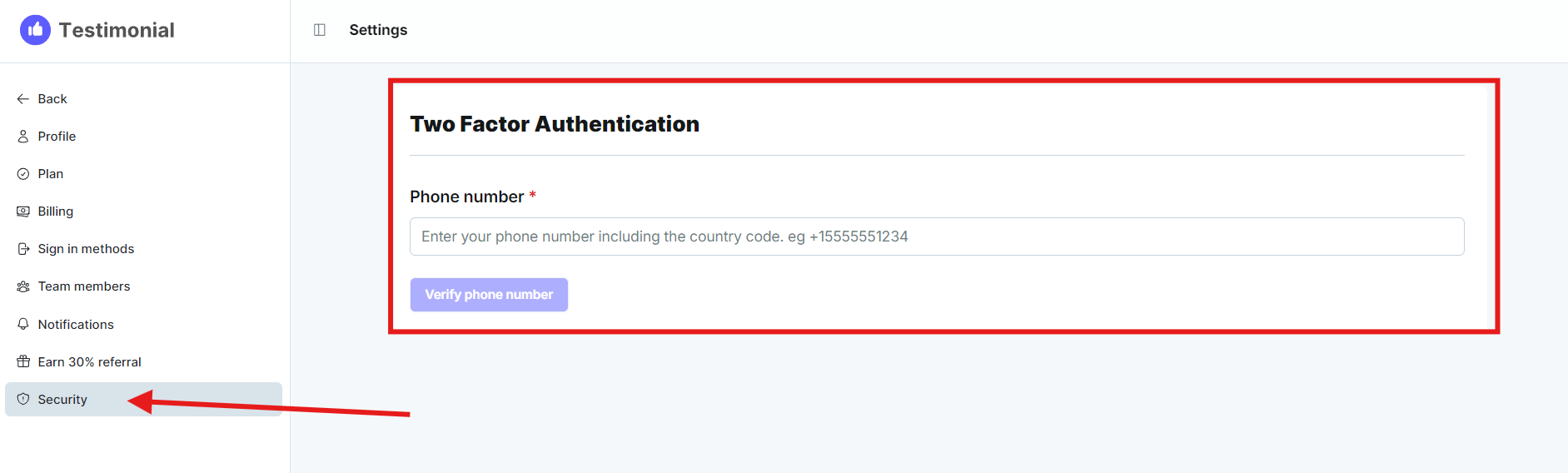
Turn on two-factor authentication from Settings → Security. Testimonial texts a code when someone tries to sign in.
Set up 2FA
Open the settings page and click Security.
Enter your phone number and complete the verification.
Need help? Click Talk to us to open the support chat. If the chat doesn't load, email support@testimonial.to.