
Embed a single video
Embed one video testimonial on a webpage with the video’s embed code.
Embed one video testimonial on a webpage with the video’s embed code. Copy it from the testimonial menu and paste it into your site HTML.
Embed a video testimonial
From your Dashboard, open the Space. For the video testimonial, click the 3 dots icon in the upper right to open the menu.
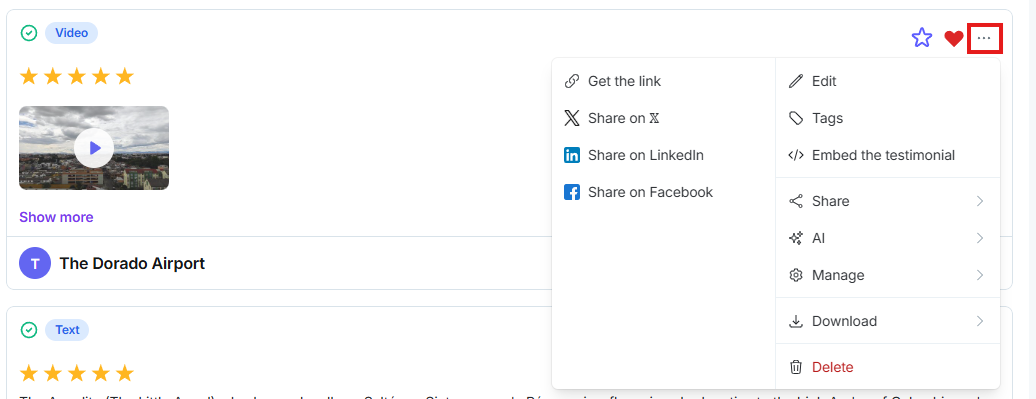
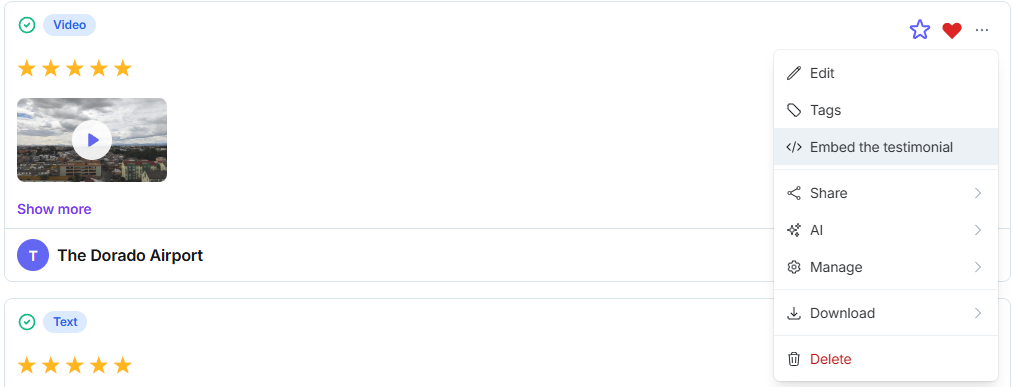
Click Embed the testimonial.
In the pop-up, click Copy code.
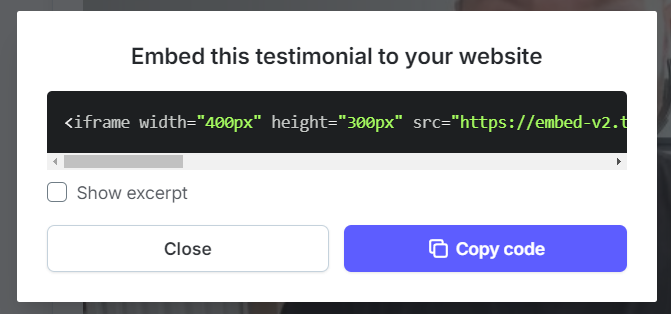
Paste the code into your website’s HTML. The video plays on the page.
Need help? Click Talk to us to open the support chat. If the chat doesn't load, email support@testimonial.to.