
How to embed your Wall of Love in Vue or Nuxt
Embed a Wall of Love in Vue or Nuxt with the iframe-resizer library.
Embed a Wall of Love in Vue or Nuxt with the iframe-resizer library. Install the package, add a client plugin, then pass your embed URL to an iframe.
Install iframe-resizer
npm i iframe-resizer --save
Add a Vue plugin
Create a plugin with this code:
import Vue from 'vue'import iframeResize from 'iframe-resizer/js/iframeResizer';Vue.directive('resize', { bind: function(el, { value = {} }) { el.addEventListener('load', () => iframeResize(value, el)) }, unbind: function (el) { el.iFrameResizer.removeListeners(); }}
Add it to your config
{ src: '~/plugins/iframe-resize', mode: 'client' }
Add the iframe to a page
<iframe v-resize="{ log: true }" width="100%" src="YOUR_EMBED_URL" frameborder="0"></iframe>
Get your embed URL
Open the Space, click Embed widgets, select Wall of Love, choose a layout, then copy the code.
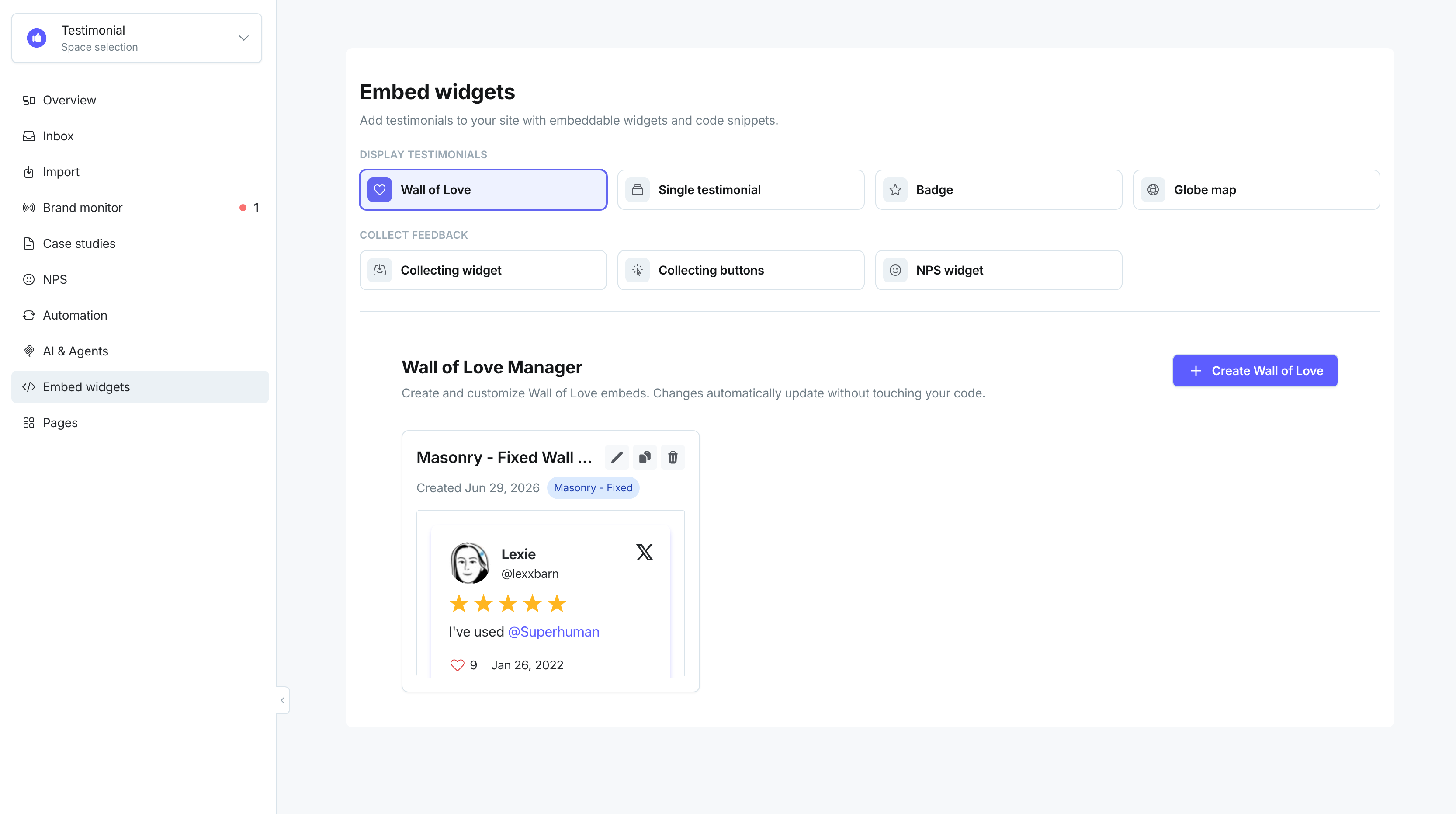
In the embed code, find the src URL on the <iframe> tag:
<script type="text/javascript" src="https://testimonial.to/js/iframeResizer.min.js"></script><iframe id="testimonialto-wall-of-love-for-testimonial-light" src="https://embed-v2.testimonial.to/w/wall-of-love-for-testimonial?theme=light&card=base" frameborder="0" scrolling="no" width="100%"></iframe><script type="text/javascript">iFrameResize({log: false, checkOrigin: false}, "#testimonialto-wall-of-love-for-testimonial-light");</script>
Copy the URL. In this sample, that is:
https://embed-v2.testimonial.to/w/wall-of-love-for-testimonial?theme=light&card=base
Replace YOUR_EMBED_URL with the src URL you copied from Testimonial.
Related: React · Embed a Wall of Love
Need help? Click Talk to us to open the support chat. If the chat doesn't load, email support@testimonial.to.